.jpg?width=200&height=45&name=Superb_Logo_RGB_Colour_Magic_Black%20(1).jpg)
Record staff expenses or waste in the Superb POS app so that cash taken from the till is deducted and the end-of-day report matches.
What you need
- Access to POS Back Office to create return reason codes and tender types
Why cash removals have to be recorded
Cash taken from the till for grocery shopping, bills or waste has to be deducted in the Superb POS app. Without a recorded deduction, the end-of-day report does not match the cash in the till. Recording the cash removal in return mode also links the amount to the accounting integrations.
Record cash taken from the till in the Superb POS app
- Tap RETURN in the upper right corner of the Superb POS app.
- Tap ENTER RETURN MODE in the window that opens.
- Cash out the amount on the tender type created for the expense, for example Staff Expenses.
- Select the return reason code that matches the expense, for example Waste or Grocery shopping.
Create return reason codes in POS Back Office
Return reason codes label what the cash was used for.
- Open POS Back Office.
- Go to the return reason code settings.
- Create one return reason code for each recurring type of expense.
Return reason codes most restaurants need:
- Grocery shopping
- Bills
- Waste
- Staff expenses
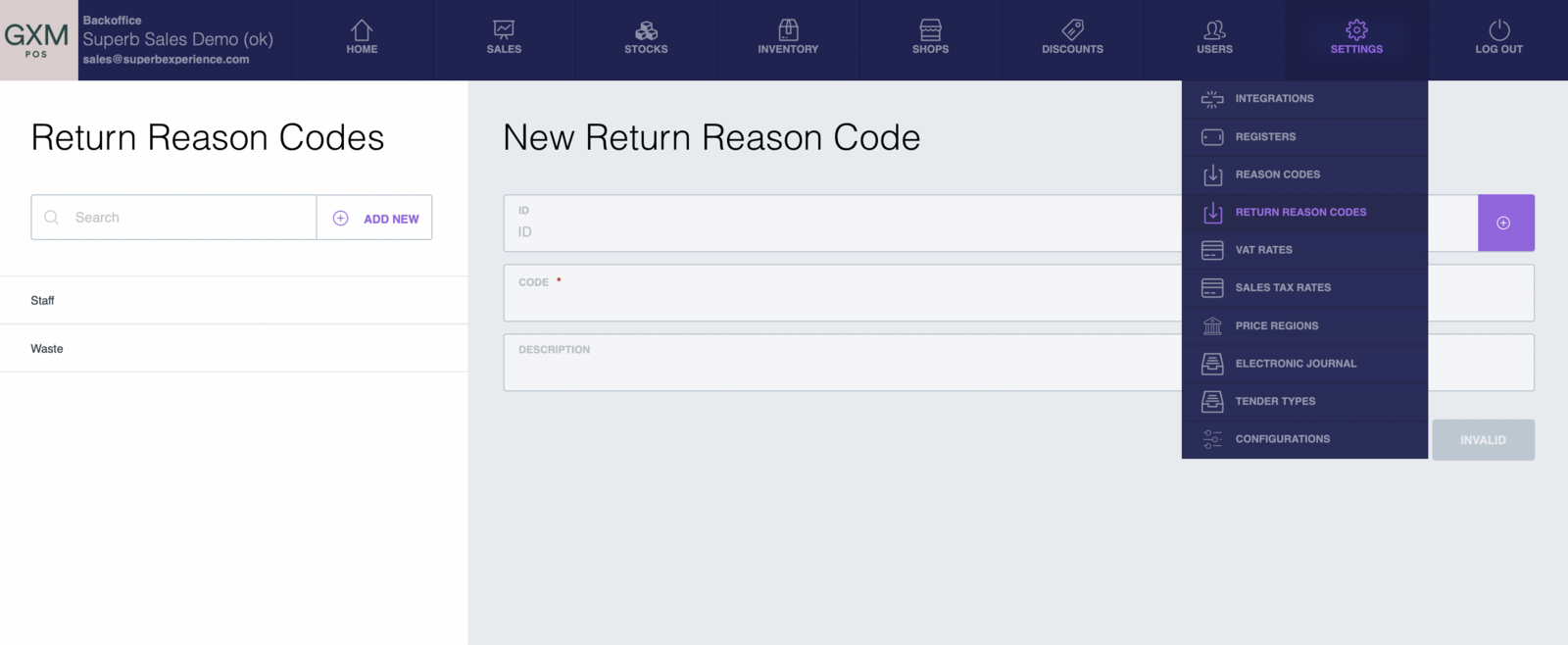
Create tender types for expenses in POS Back Office
Tender types decide how the cash removal is reported. There are two setups.
- One tender type for all expenses: create a single tender type called Staff Expenses and group every expense under it. This setup tracks total expenses and is the simpler option.
- One tender type per return reason code: create a matching tender type for each return reason code, for example the return reason code Waste with the tender type Waste, and the return reason code Groceries with the tender type Groceries. This setup gives more granular reporting.
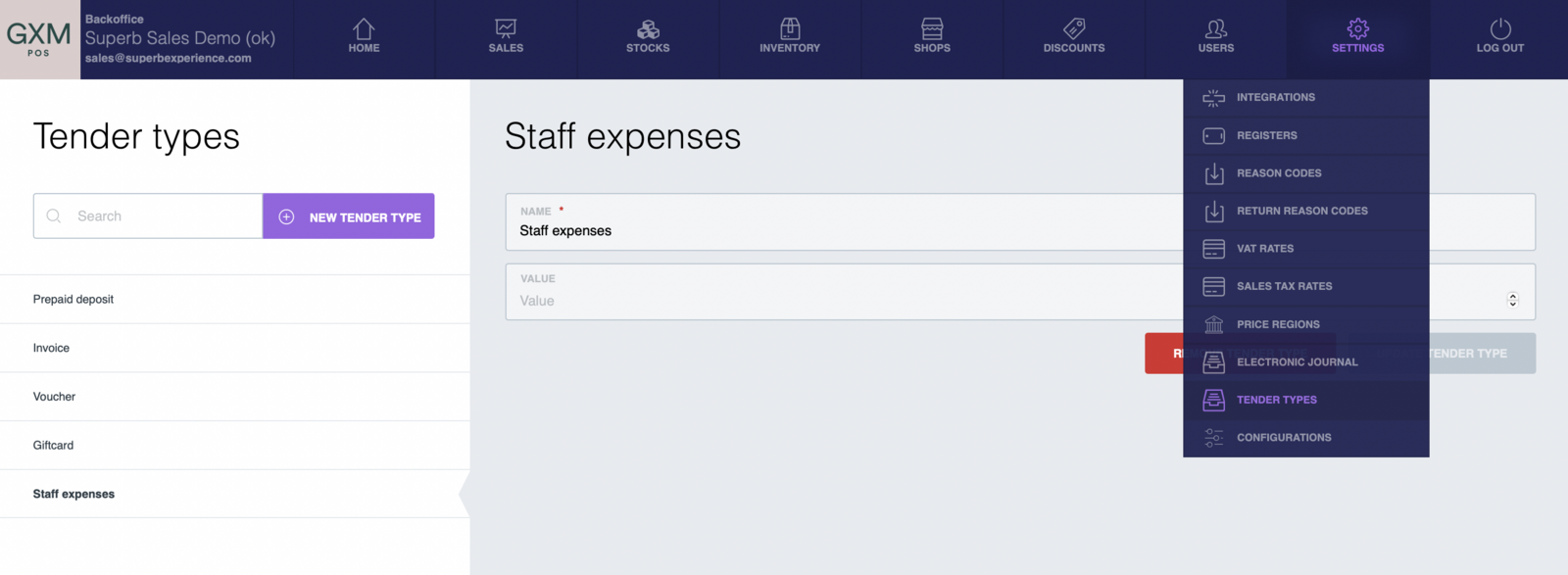
Choose between one tender type and several tender types
- Small operation with few cash removals: use a single Staff Expenses tender type.
- Detailed expense reporting: use matching return reason codes and tender types.
Keep expense records accurate
- Record the cash removal at the moment the cash leaves the till.
- Train staff to select the return reason code that matches the expense.
- Check the recorded expenses regularly and verify the amounts against the receipts.
- Include the recorded expenses in the end-of-day reconciliation.