.jpg?width=200&height=45&name=Superb_Logo_RGB_Colour_Magic_Black%20(1).jpg)
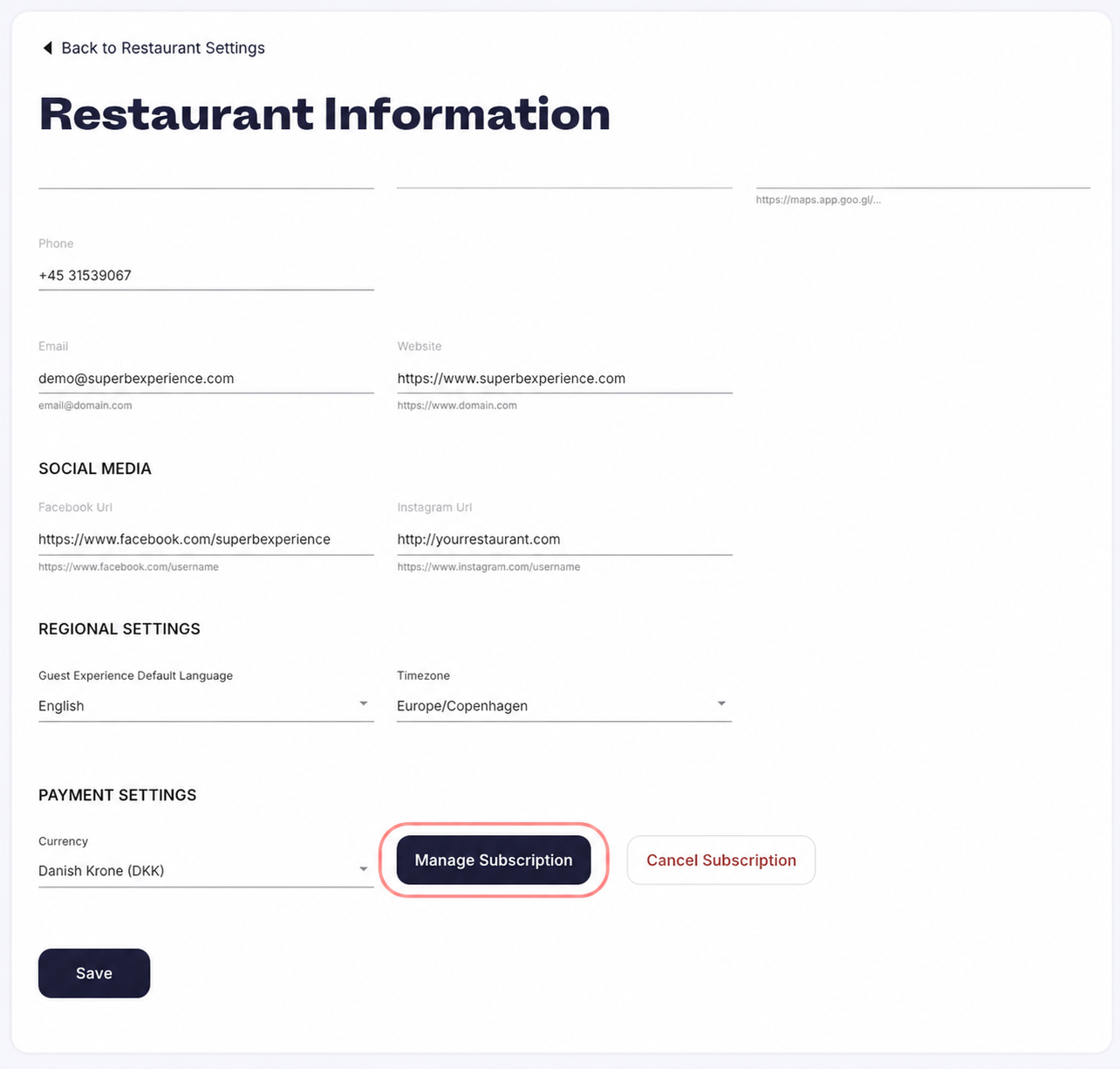
Manage your subscription, payment method, billing information, and Superb invoices in your Partner account, under Settings → Restaurant Information → Manage Subscription.
What you need
- A Partner account with access to Settings → Restaurant Information
Open your billing settings
- Go to Settings in Partner.
- Click Restaurant Information.
- Scroll down and click Manage Subscription.
Update your payment method
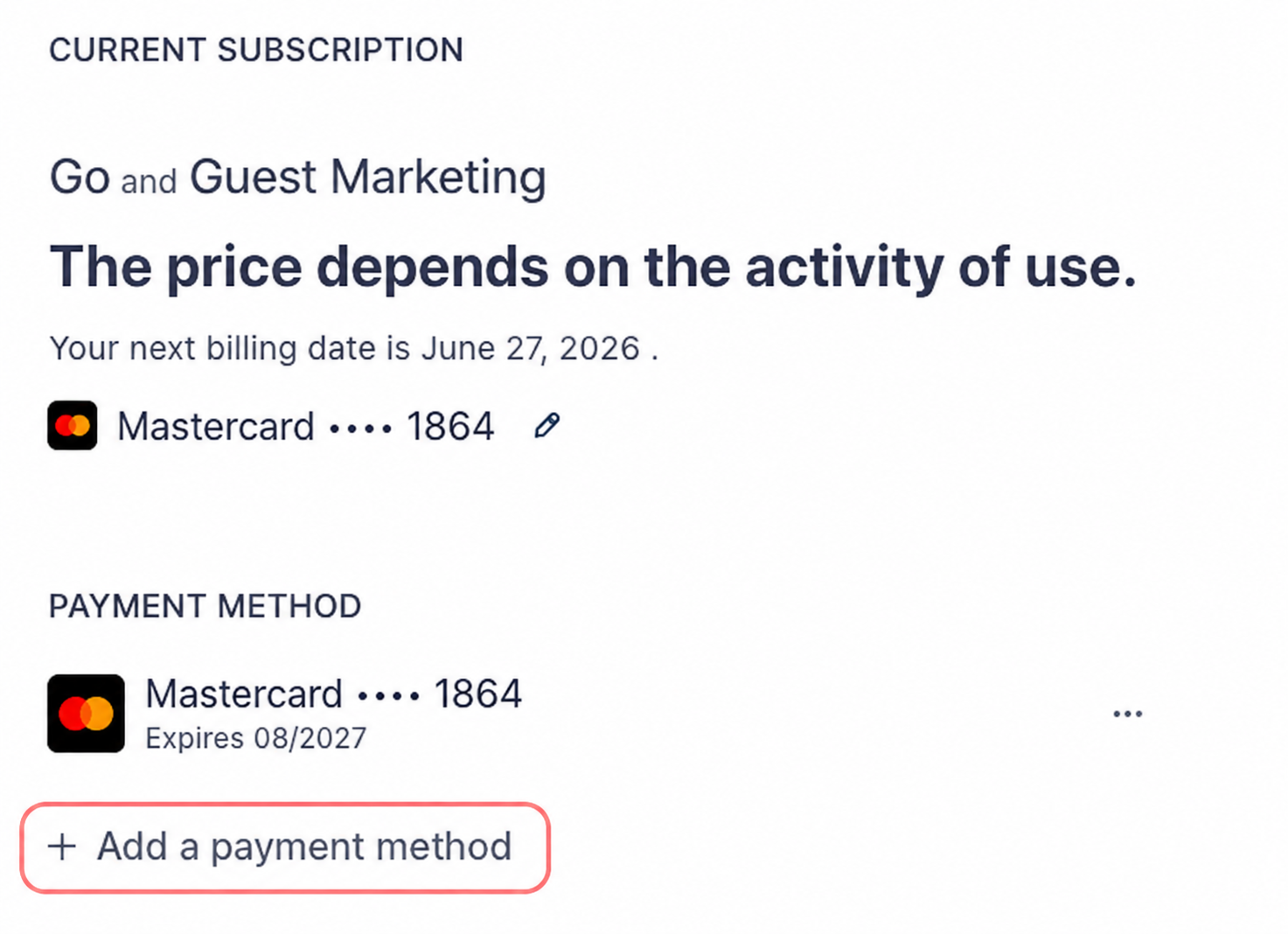
- Go to Settings → Restaurant Information → Manage Subscription in Partner.
- Open the Payment Methods section.
- View the current payment method, add a new card, or edit or replace the existing payment method.
Superb accepts credit card and SEPA Direct Debit.
Update the billing information on your invoices
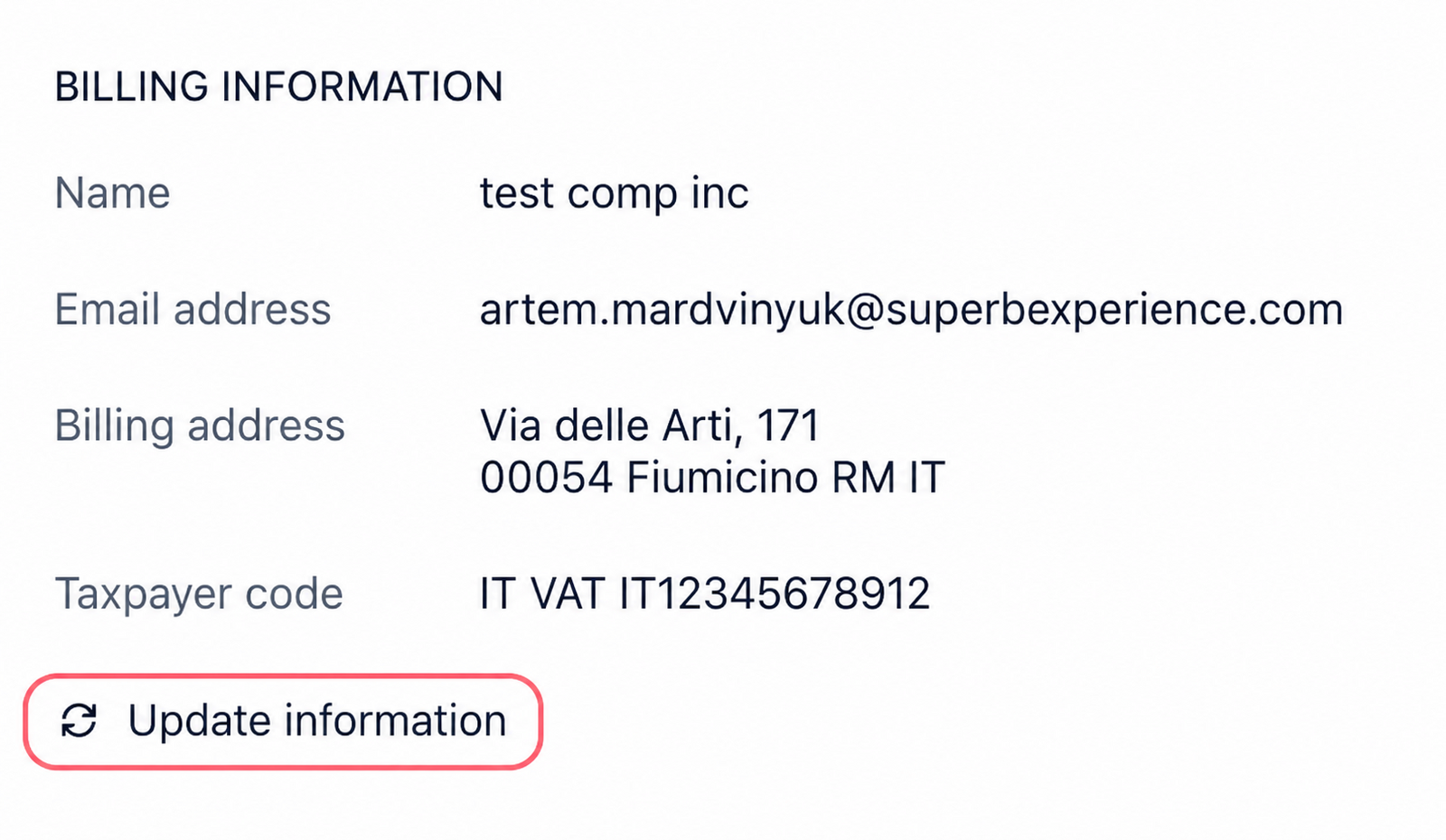
- Go to Settings → Restaurant Information → Manage Subscription in Partner.
- Open the Billing Information section.
- Update the company name, address, and CVR or VAT number that appear on Superb invoices.
View, download, and pay Superb invoices
- Go to Settings → Restaurant Information → Manage Subscription in Partner.
- Find the invoice section.
- View every invoice issued by Superb, download an invoice as a PDF, or pay an outstanding invoice.